


Today’s students are heavily burdened with notes, deadlines, and seemingly never-ending online material. AI tools help in cutting the noise - they can write summaries, solve problems, and translate within a matter of seconds. This list presents the most useful choices t enable you to learn at a faster pace and, at the same time, keep your work original, cited, and truthful.
The Main Reasons Students Use AI
AI tools have become part of everyday study routines because they make managing work easier. Students use them to cut down on repetitive tasks and keep their notes, research, and deadlines organized. Instead of spending extra hours on summaries or formatting, they can focus on understanding the subject and applying what they learn in class. Most students rely on AI tools to:
- Summarize readings or lecture notes
- Create flashcards for quick review
- Build accurate reference lists
- Check grammar and clarity in essays
- Plan and track study time
The fact remains that these instruments deliver the best performance when employed in a considerate manner. Their function is to facilitate, rather than to take the place of, genuine work. In the case where pupils utilize artificial intelligence as a means to enhance their reasoning, they become more efficient learners and maintain their engagement in the learning process.
Best AI Tools to Use
Many students now rely on AI to manage studies more efficiently. These tools cover nearly every part of academic work - organizing notes, improving writing, handling research, and solving complex problems. The goal isn’t to replace effort, but to make learning more structured and less time-consuming. Below is a list of tools that help students complete everyday study tasks with more control and accuracy.
Getsolved.ai
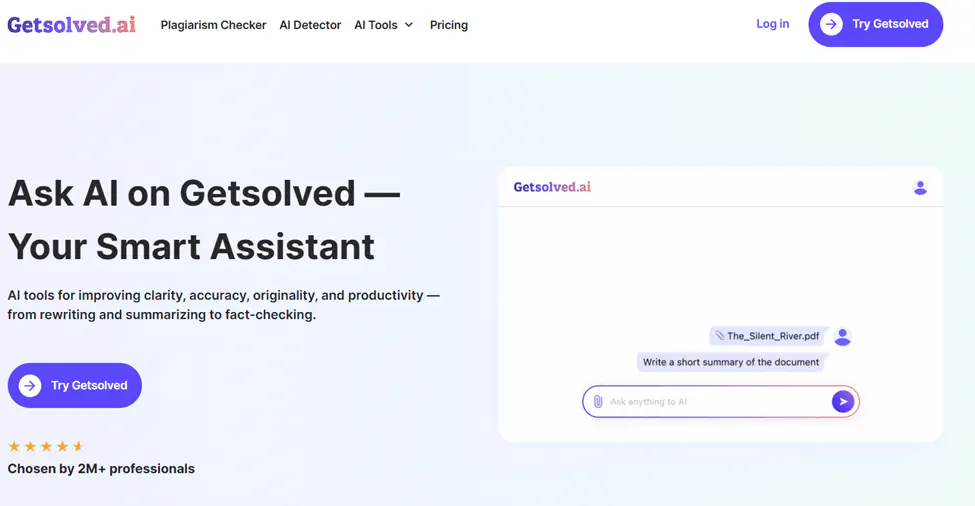
Getsolved.ai is an online service mainly focused on the stylistic improvement of a user's writing and also support in confirming the originality of the text. Its AI writer locates the instances where the text is too mechanical or uniformly structured, marks the parts generated by AI, and performs a plagiarism check. Moreover, this smart assistant is very accommodating in terms of documents, which implies that writings can be sent for the evaluation and the response will be given through a chat done directly in the browser. It also offers online help for users who want quick feedback and detailed text analysis without leaving their workspace. Main functions:
- Refines tone to reflect natural, human writing
- Detects AI-written or duplicated passages
- Provides file-upload and web-chat options for text review
It begins as a free AI tool, and users can unlock full access through a $2 trial before choosing the regular monthly plan of about $19.99. It’s useful for students and professionals who need precise feedback, want to maintain a natural writing tone, and seek reliable online assistance. The tool supports users in improving their work while keeping their writing original and authentic.
Perplexity AI
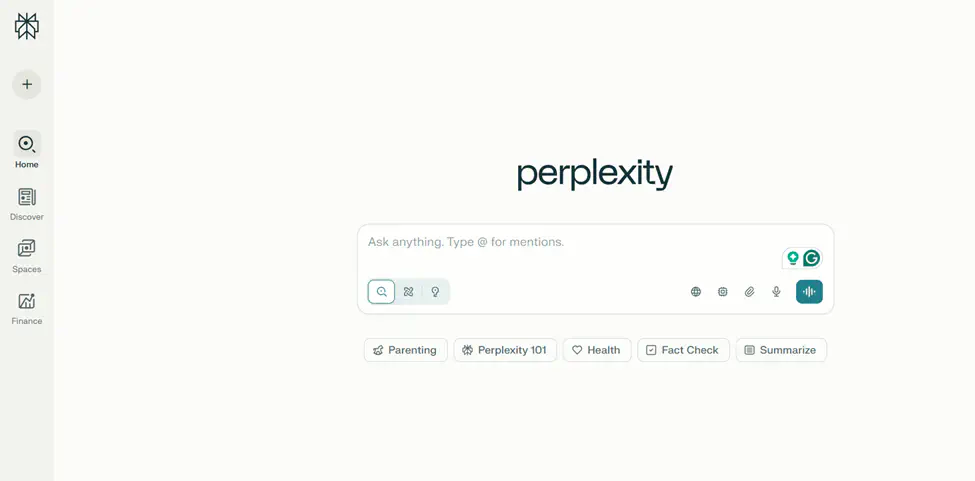
Perplexity AI is a conversational search engine that combines web search with AI-based reasoning. It delivers direct, cited answers from reliable online sources, which makes it valuable for academic and research work. Users can upload PDFs or text files to generate summaries or ask targeted questions about their content. The built-in “Comet” research browser helps dig deeper into topics by tracing sources, related data, and citations.
The free plan allows a few searches per day, while the Pro plan ($20/month) unlocks unlimited access, faster responses, and GPT-4-level reasoning. Student discounts are also available. Perplexity is useful for quick fact-checking, turning lecture notes into concise summaries, or gathering cited material for papers and presentations.
Grammarly
Among the useful AI tools for student, Grammarly helps make writing clearer and more accurate. It checks grammar, improves sentence flow, and gives instant feedback while keeping the text original. The platform also offers a plagiarism checker that compares work against billions of sources and an AI detector that reviews up to 10,000 characters for free. It includes tools for citations, tone, and writing style, which makes it practical for both study and work tasks. The free version covers the basics, while the Pro plan, at about $12 per month when billed annually, adds more advanced features.
QuillBot
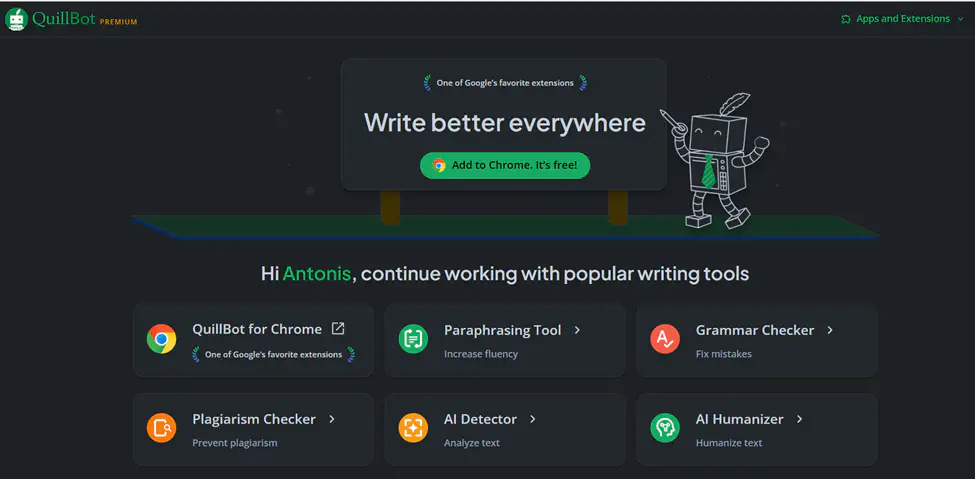
QuillBot helps rewrite and shorten text while keeping the meaning clear. It has a co-writer called Flow, a grammar checker, a citation tool, and add-ons for Chrome and Word. Students can use it to fix sentences, make summaries, or create references without using other apps. The free version offers basic tools, while the Premium plan costs about $8.33 per month when billed yearly, with up to 25% off for verified students.
DeepL
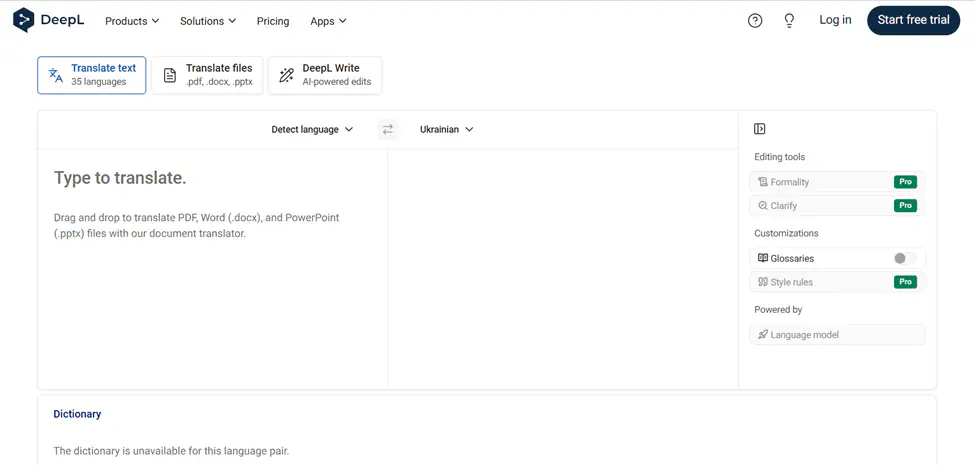
DeepL focuses on accurate translation and clear writing through its DeepL Write feature. It can translate full files such as PDFs, Word, or PowerPoint and adjust tone or style for better readability. Extensions for Chrome, Firefox, and Edge, along with mobile apps, make it easy to use on any device. Among the free AI tools, it offers strong features for translation and text improvement, and for most users, the free plan is more than enough for daily use. Paid plans start at about $8.75 per month for the Individual Pro option, with higher tiers available for teams.
Otter.ai
A lot of students record their lectures or virtual meetings with the help of Otter and later convert them into texts for their easy reference. The app performs real-time transcription, along with the addition of time codes, and it also automatically highlights the key points. By linking with such platforms as Zoom, Google Meet, and Microsoft Teams, it can facilitate capturing notes from any meeting. Key features:
- Real-time transcription with speaker tags
- Automatic summaries and key phrase detection
- Integration with video meeting tools
- Search and share options for saved transcripts
The free plan covers most everyday needs, while the Pro plan starts at about $8.33 per month when billed annually. Always record responsibly - get permission before capturing audio and follow your school or company’s privacy rules.
Quizlet
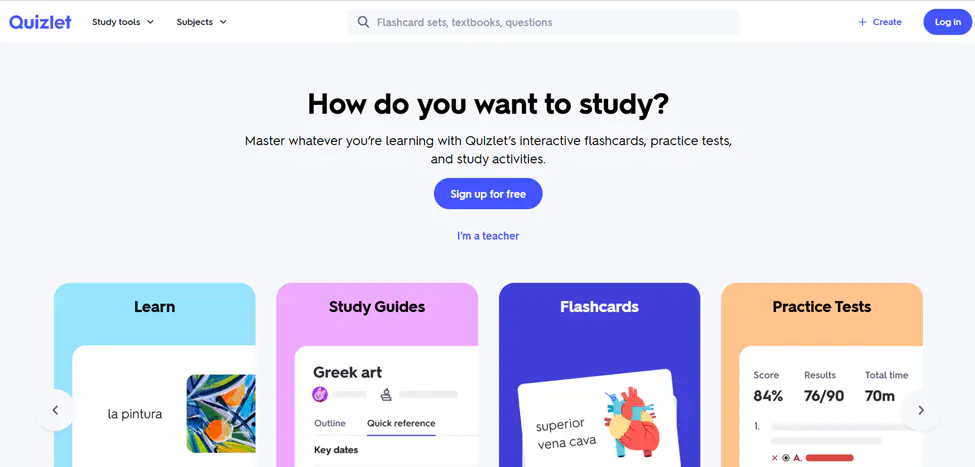
Quizlet is a simple study tool built around flashcards that help students remember information through spaced repetition. This method strengthens long-term memory and makes exam preparation easier. The platform also offers AI conversation practice with Q-Chat and Magic Notes, which automatically turn notes into flashcards. It’s handy for vocabulary drills, quick reviews, and creating custom study sets. The free plan gives access to the main features, while Quizlet Plus costs about $35.99 per year.
EduBrain.ai
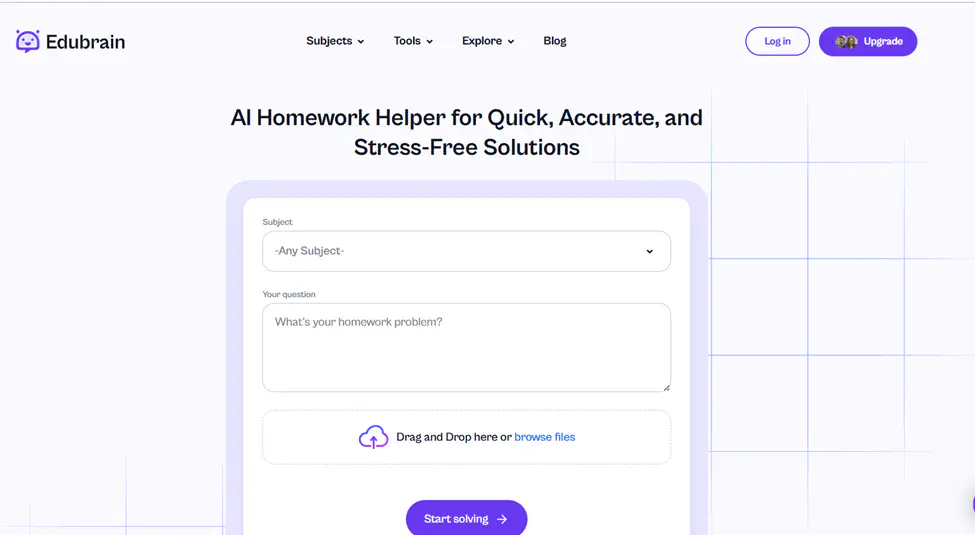
EduBrain.ai is designed to assist students with smart visual learning tools and AI-powered explanations. It helps turn complex data or topics into clear visual diagrams and charts, making it easier to understand difficult concepts. Students can ask questions, analyze text, or generate summaries directly inside the platform. One of its key advantages is the option to try the tool for free before subscribing, which allows learners to explore its diagram-building and note-organizing functions without any commitment. EduBrain.ai is particularly helpful for visual learners who prefer to study through interactive content and structured visual outlines.
ChatGPT
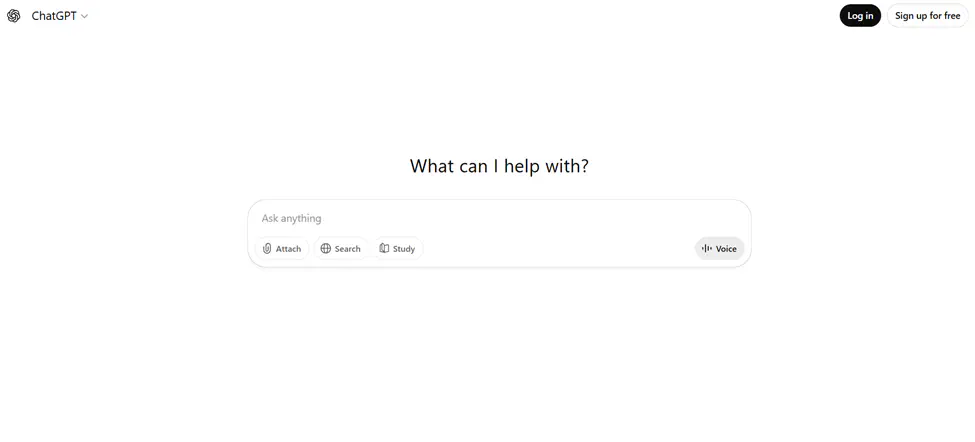
Today, a lot of students turn to AI helpers such as Chat GPT for better study management. It can organize thoughts, explain complex ideas, and summarize material in seconds. The tool also works with files, voice, and images, making it flexible for different study needs. Whether preparing an essay, checking logic in a problem, or reviewing lecture notes, it saves time and helps maintain structure. How it helps:
- Generates outlines and supports idea development
- Summarizes uploaded notes, articles, or books
- Solves step-by-step math and science questions
- Clarifies terms or gives quick comparisons
- Accepts voice and image input for interactive learning
Zotero
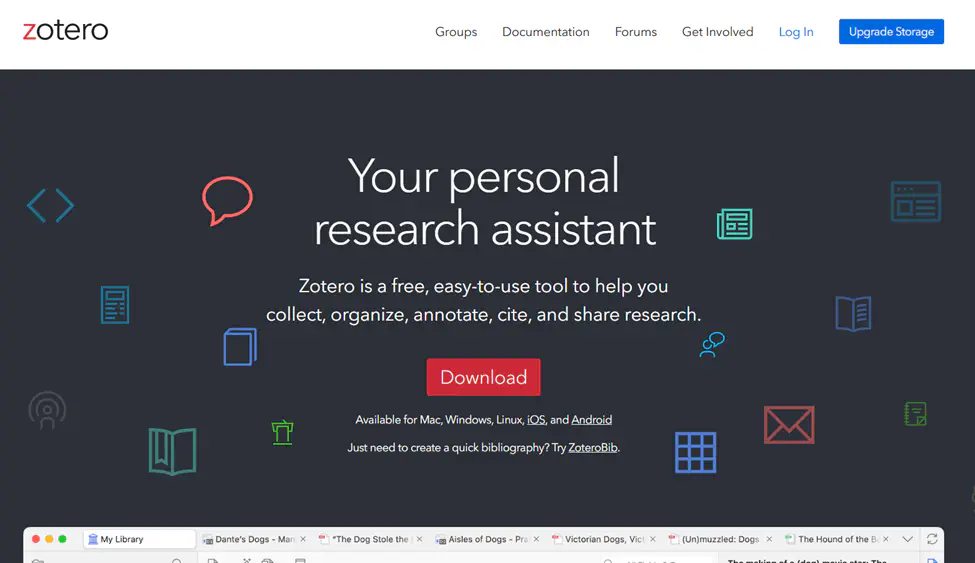
Zotero is a free AI tool that helps collect, organize, and cite research sources for essays, lab reports, and theses. It lets you save materials from the web using a browser connector and then insert citations directly into Google Docs or Microsoft Word through built-in plugins. The new Zotero 7 version includes a simpler interface, dark mode, and a faster reader for PDFs and EPUB files. To keep your work organized, it’s best to set your citation style, such as APA or MLA, before you start and store notes inside each PDF so Zotero can sort them automatically later.
Minecraft Education
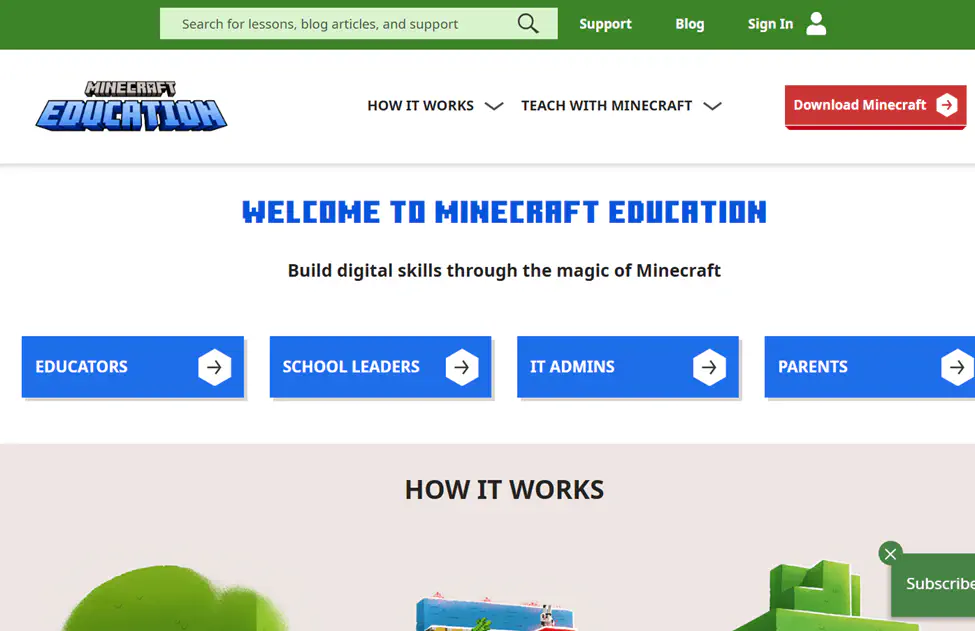
Learning through digital environments has become more common in schools, and one example is the classroom version of Minecraft. It allows students to explore math, science, coding, and history lessons by building, experimenting, and solving challenges. Teachers can guide students through interactive worlds where learning happens naturally through action and teamwork.
Minecraft Education includes classroom management tools, multiplayer projects, and links to Microsoft Teams for assignments and feedback. A free trial is available, while the full version usually costs about $5 per user per year for schools. It’s a practical choice for visual and collaborative learners who benefit from exploring subjects hands-on.
Canva
Design plays a big role in how students present their ideas today, and AI marketing tools like Canva make that process much simpler. The platform helps turn basic concepts into clean visuals for projects, presentations, and social media posts. Main features:
- Drag-and-drop editor with ready-to-use templates
- Magic Write for short text ideas and captions
- Text-to-image generator for custom visuals
- Real-time collaboration for group tasks
- Brand Kit for keeping a consistent style
The free plan includes most tools students need, while Canva Pro, at about $12.99 per month, adds premium templates, advanced design options, and more storage. It’s a practical way for students to build visual communication skills and present work neatly and clearly.
Final Thoughts
AI tools have been integrated into the daily life of students. These tools can be used for writing essays, note-taking, producing visuals, and even checking for originality without the need to waste time on trivial tasks. The advantages are obvious - getting the work done quicker, making less mistakes, and being able to get help from the internet at any time. Besides these, the tools also facilitate a more organized study method and make students more willing to focus on their learning rather than formatting or looking for information. If used balanced, AI support can be a great way to study in a simpler, more efficient, and less stressful way.